

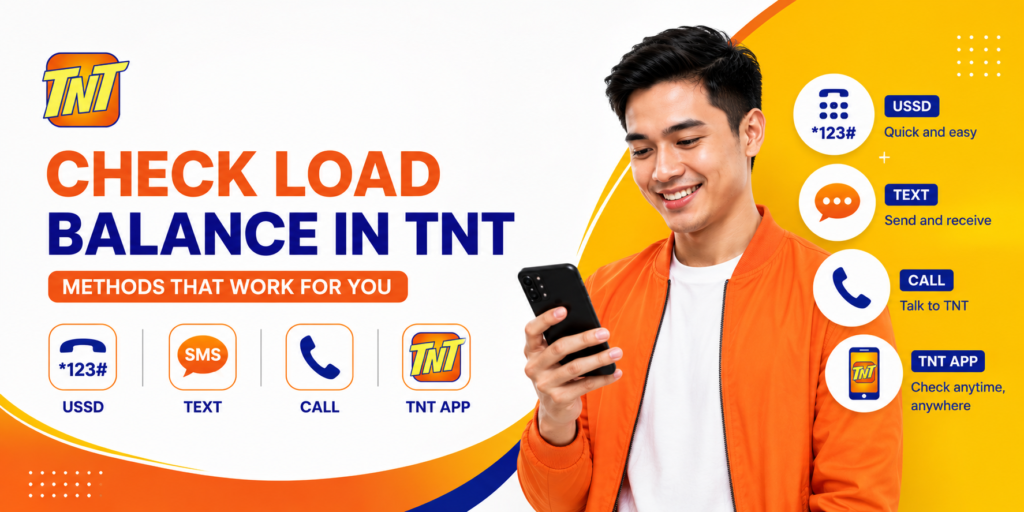
Knowing your remaining TNT (Talk ‘N Text) load balance helps you avoid interrupted calls, texts, or mobile data. Whether you’re using regular prepaid load or an active promo, TNT provides several quick ways to check your balance.
This updated guide explains how to check TNT load balance, monitor your remaining data, and view your active promos.
Ways to Check Your TNT Load Balance
You can check your TNT balance using any of the following methods:
- Dial the Balance Inquiry USSD code
- Use the Smart App
- Send an SMS
- Call the Balance Inquiry service
- Check your active promo balance
- Contact TNT Customer Support
Method 1: Check TNT Load Balance via USSD Code
The fastest way to check your regular load balance is by using a USSD code.
Steps
- Open the Phone app.
- Dial *123#.
- Press the Call button.
- Select Balance or Balance Inquiry (menu options may vary).
- Your remaining prepaid load will be displayed on your screen.
This method is free and works on both smartphones and basic phones.
Method 2: Check Load Using the Smart App
The Smart App lets you view your prepaid load, data balance, and active promos in one place.
Steps
- Download and install the Smart App from the Google Play Store or Apple App Store.
- Sign in using your TNT mobile number.
- Verify your account with the OTP sent to your phone.
- Open the app dashboard.
- Your remaining load balance, data, and active subscriptions will be displayed.
Method 3: Check Balance via SMS
Depending on your account and current Smart services, you may be able to receive balance information through SMS. Follow the instructions provided by Smart or use the Smart App if SMS balance inquiry is unavailable.
Method 4: Check Your Active Promo Balance
If you’ve subscribed to a TNT promo, you can check your remaining benefits using:
- The Smart App
- The *123# menu (where available)
You can typically view:
- Remaining mobile data
- Remaining call minutes
- Remaining SMS
- Promo expiration date
Method 5: Contact TNT Customer Support
If you’re unable to check your balance using the available methods, you can contact TNT Customer Support for assistance.
Support channels include:
- Dial *888 from your TNT or Smart SIM.
- Call the Smart hotline from a landline at (02) 8888-1111.
How to Check TNT Data Balance
To see your remaining internet data:
Using the Smart App
- Open the Smart App.
- Log in to your account.
- Tap your active promo.
- View your remaining data allocation and expiry date.
Using *123#
- Dial *123#.
- Navigate to the balance or promo inquiry menu.
- Check your remaining mobile data.
Why You Should Check Your Load Regularly
Checking your balance helps you:
- Avoid running out of prepaid load unexpectedly.
- Monitor your mobile data usage.
- Track promo validity and expiration.
- Plan your next reload.
- Prevent service interruptions.
Tips for Managing Your TNT Balance
- Use the Smart App for real-time balance updates.
- Check your balance before making long calls or using large amounts of data.
- Reload before your balance reaches zero.
- Monitor your promo’s expiration date to avoid losing unused benefits.
- Turn on mobile data usage alerts on your phone to help manage consumption.
Note: These tips are also useful for TM balance management.
Frequently Asked Questions
How do I check my TNT load balance?
You can check your prepaid load by dialing *123# or by opening the Smart App.
Is checking my TNT balance free?
Yes. Using *123# to check your balance is generally free for TNT prepaid users.
Can I check my TNT load without the internet?
Yes. Dial *123# from your TNT SIM to check your load without an internet connection.
How can I check my remaining mobile data?
Open the Smart App or use the *123# menu to view your remaining data and active promo benefits.
Why is my balance not updating?
If your balance appears incorrect, wait a few minutes after a transaction, restart your phone, or contact TNT Customer Support if the issue persists.
Conclusion
Checking your TNT load balance is quick and easy. The most convenient methods are dialing *123# or using the Smart App, which also lets you monitor your remaining data and active promos. By checking your balance regularly, you can avoid unexpected service interruptions and make the most of your prepaid load and subscriptions.